Xtream codes are the industry standard for IPTV streaming in 2026. This comprehensive guide will walk you through the exact setup process in EDGE IPTV, step by step. Whether you're a complete beginner or experiencing connection issues, you'll learn how to configure your Xtream codes in under 2 minutes.
What are Xtream Codes?
Xtream codes is an IPTV management API that allows IPTV providers to deliver content to users in a standardized way. Instead of dealing with complicated M3U playlists, Xtream codes provide a simple, three-credential system:
- Server URL: The address of your IPTV provider's server (e.g., http://line.iptvdomain.com)
- Username: Your unique account username
- Password: Your account password
These three pieces of information are all you need to access thousands of channels, movies, and TV series from your IPTV provider.
Step-by-Step: Setting Up Xtream Codes
Step 1: Get Your Xtream Codes Credentials
Contact your IPTV provider and request your Xtream codes credentials. They should provide you with:
- Server URL (usually starts with http:// or https://)
- Username (often alphanumeric)
- Password (case-sensitive)
- Port number (optional, usually 80 or 8080)
Important Note
Write down your credentials exactly as provided. Xtream codes are case-sensitive and even a small typo will prevent connection.
Step 2: Download an IPTV Player
You need an IPTV player app that supports Xtream codes. We recommend EDGE IPTV for the fastest and easiest setup experience.
EDGE IPTV is optimized for Xtream codes with a streamlined setup process that takes less than 2 minutes.
Step 3: Enter Your Xtream Codes
In EDGE IPTV - The Complete Process:
Step 1: Add Your Playlist
Open EDGE IPTV and look for the "+" button in the bottom-right corner of your screen. Tap it to start adding your first playlist.
Step 2: Choose Your Source Type
You'll see two options:
- • Xtream Codes API - Select this for Xtream codes setup
- • M3U Playlist - For M3U URLs (different method)
Tap "Xtream Codes API" to continue.
Step 3: Fill in Your Information
You'll see a simple form with these fields:
- • Playlist Name: Choose any name you want (e.g., "My IPTV", "Main Playlist") - this is just for your reference
- • Server URL: Paste the URL your IPTV provider gave you (e.g., http://line.iptvdomain.com)
- • Username: Enter the exact username from your provider
- • Password: Enter the exact password from your provider (case-sensitive!)
Step 4: Add the Playlist
Once all fields are filled, tap the "Add" or "Save" button. Your playlist will now appear in your playlists list.
Step 5: Access Your Playlists
You'll see your newly added playlist in the main list. You can add multiple playlists if you have different IPTV subscriptions - just repeat the process with the + button.
⏳ Step 6: Load Your Content
Tap on your playlist to load the content. The app will start retrieving your channels, movies, and series.
Important:
Stay in the app during this process! Don't close EDGE IPTV or switch to another app while content is loading. This ensures smooth data retrieval and prevents connection issues.
Loading typically takes 10-30 seconds depending on your provider's content library size.
Step 7: Enjoy Your Content!
Once loaded, you'll have access to three main sections:
- Live TV: Watch live channels in real-time
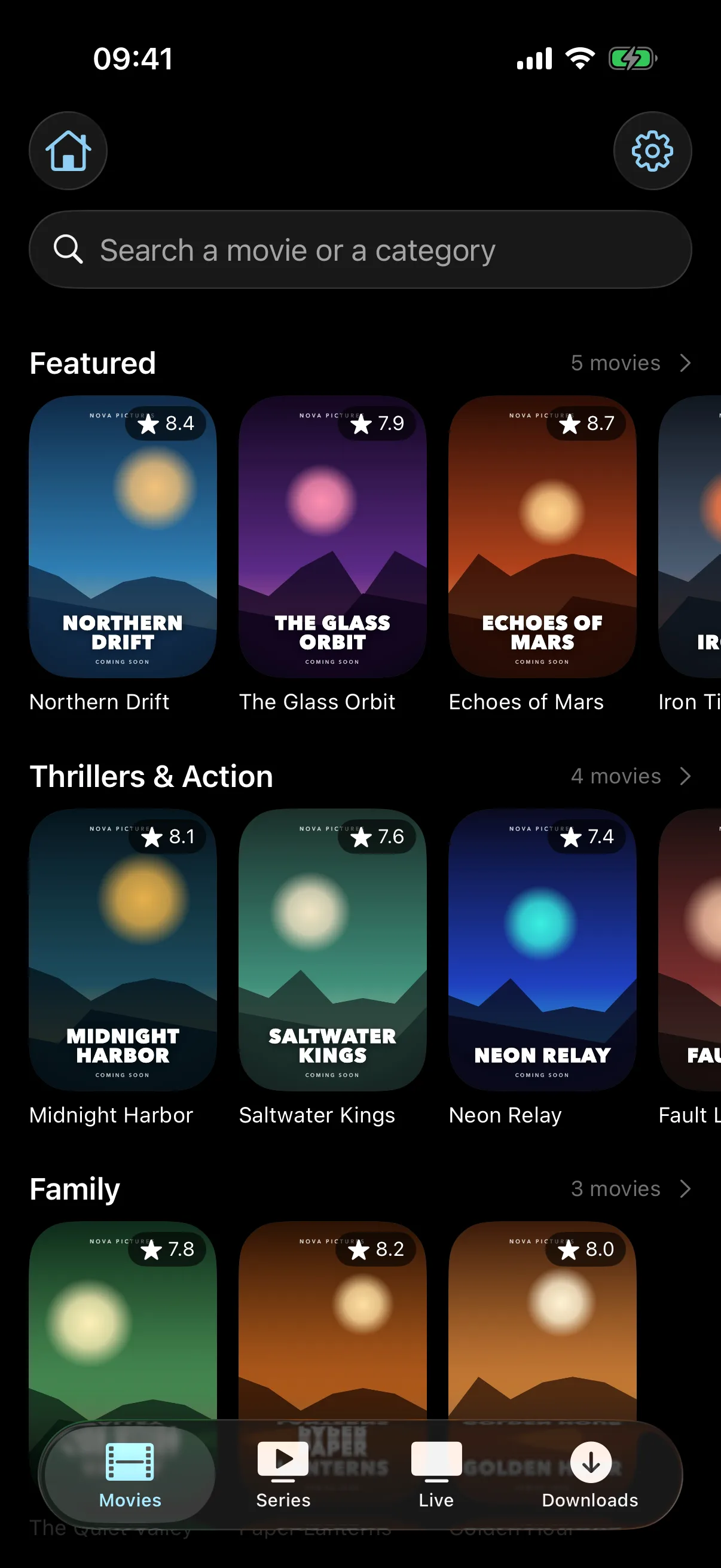
- Movies: Browse and watch thousands of movies on-demand
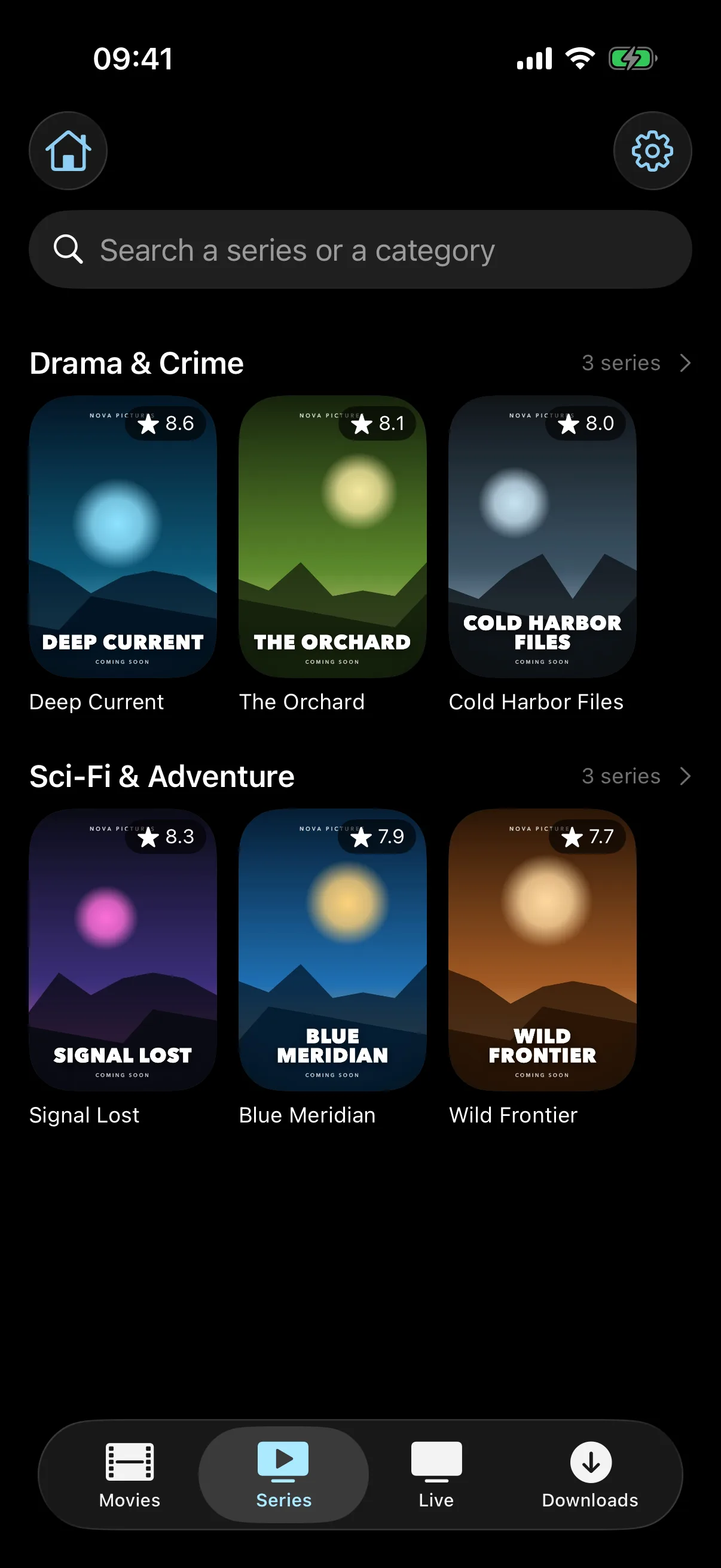
- Series: Access complete TV series with all episodes
Navigate between these sections using the bottom menu. Happy streaming!
Success!
That's it! You've successfully configured your Xtream codes on EDGE IPTV. The entire process takes less than 2 minutes once you have your credentials.
Common Xtream Codes Errors & Solutions
Error: "Invalid Credentials" or "Authentication Failed"
Causes:
- Typo in username or password (most common)
- Incorrect server URL
- Account suspended or expired
Solutions:
- ✓ Double-check spelling and capitalization
- ✓ Copy-paste credentials instead of typing manually
- ✓ Contact your provider to verify account status
- ✓ Ensure there are no extra spaces before or after credentials
Error: "Connection Timeout" or "Cannot Reach Server"
Causes:
- Internet connection issues
- Server is down or under maintenance
- Firewall blocking connection
- VPN interfering with connection
Solutions:
- ✓ Check your internet connection (try opening a website)
- ✓ Try connecting without VPN first
- ✓ Wait 15-30 minutes and try again
- ✓ Contact your provider to check server status
Error: "No Channels Loaded" or "Empty Playlist"
Causes:
- Subscription not activated yet
- Provider hasn't assigned content to your account
- Server-side issue
Solutions:
- ✓ Contact your provider to activate your subscription
- ✓ Wait 24 hours after payment for activation
- ✓ Try logging out and back in
Error: "Playback Failed" or "Stream Not Available"
Causes:
- Poor internet connection
- Server overload
- Concurrent connections limit reached
Solutions:
- ✓ Check your internet speed (need 5+ Mbps for HD)
- ✓ Close other apps using internet
- ✓ Try a different channel or server
- ✓ Disconnect from other devices using same account
Pro Tips for Optimal Xtream Codes Performance
Tip 1: Use the Right App
Not all IPTV players handle Xtream codes equally. EDGE IPTV is optimized specifically for Xtream codes with faster loading times and better error handling than competitors.
Tip 2: Save Your Credentials Securely
Use a password manager or note app to store your Xtream codes safely. You'll need them if you reinstall the app or set up on another device.
Tip 3: Test Multiple Servers
Some IPTV providers offer multiple server URLs. If one is slow, try an alternative server for better performance.
Tip 4: Update Your App Regularly
Keep your IPTV player updated to ensure compatibility with the latest Xtream codes API features and security patches.
Tip 5: Check Connection Limits
Most IPTV providers limit concurrent connections (usually 1-3 devices). Don't share your credentials or you may experience disconnections.
Xtream Codes vs M3U Playlists: What's the Difference?
| Feature | Xtream Codes | M3U Playlist |
|---|---|---|
| Setup Complexity | ★★★★★ Easy | ★★ Complex |
| Credentials | 3 fields (URL, user, pass) | Long URL string |
| EPG Support | ✓ Automatic | ✗ Manual config |
| VOD (Movies/Series) | ✓ Yes | ✗ Limited |
| Content Updates | ✓ Automatic | ✗ Manual re-add |
| Recommended? | ✓ Yes | Only for advanced users |
Conclusion: Xtream codes are significantly easier and more feature-rich than M3U playlists. Always choose Xtream when available.
Best Apps for Xtream Codes in 2026
1. EDGE IPTV - Best Overall
The fastest Xtream codes setup on the market (under 2 minutes). Free with all features unlocked, including Chromecast and offline viewing.
Download EDGE IPTV2. GSE Smart IPTV ★ 4.5
Paid app ($4.99) with advanced features for power users. Slower setup but very customizable.
3. IPTV Smarters Pro ★ 4.3
Free option with decent Xtream support but no Chromecast. Good budget choice.
Frequently Asked Questions
Are Xtream codes safe to use?
Yes, Xtream codes are just a protocol for accessing IPTV content. The safety depends on your IPTV provider. Always use legitimate IPTV services.
Do I need different Xtream codes for each device?
No, you use the same Xtream codes credentials on all your devices. However, most providers limit concurrent connections (1-3 devices at once).
How long does Xtream codes setup take?
With EDGE IPTV, setup takes under 2 minutes. Other apps may take 5-10 minutes depending on their interface complexity.
What internet speed do I need for Xtream codes?
Minimum 5 Mbps for HD streaming, 10 Mbps recommended. For 4K content, you'll need 25+ Mbps.
Can I use Xtream codes with a VPN?
Yes, but VPN may slow down your connection. Some providers may block VPN usage. Try connecting without VPN first if you experience issues.
Ready to Set Up Your Xtream Codes?
Download EDGE IPTV for the fastest and easiest Xtream codes configuration experience
Start your 7-day free trial✓ 2-minute setup ✓ No ads ✓ Chromecast support ✓ 7-day free trial