
Install IPTV on iPhone in 2 Minutes – Easy Guide
Set up IPTV on your iPhone or iPad in 4 simple steps, with the Xtream Codes or M3U link from your provider. No technical skills needed.
Start your 7-day free trialWhat you'll need
- An iPhone or iPad running iOS 17.0 or later
- An IPTV subscription with Xtream Codes or an M3U link
- A stable internet connection
- The EDGE IPTV app
Download an IPTV player for iOS
An IPTV subscription gives you access to channels; you still need a player to watch them. EDGE IPTV is built for iPhone and iPad and is free to download, with a 7-day free trial.
Why EDGE IPTV?
- M3U or Xtream Codes set up in under 2 minutes
- TV guide (EPG) and Picture in Picture
- Chromecast and AirPlay to watch on the TV
- Downloads to watch without internet
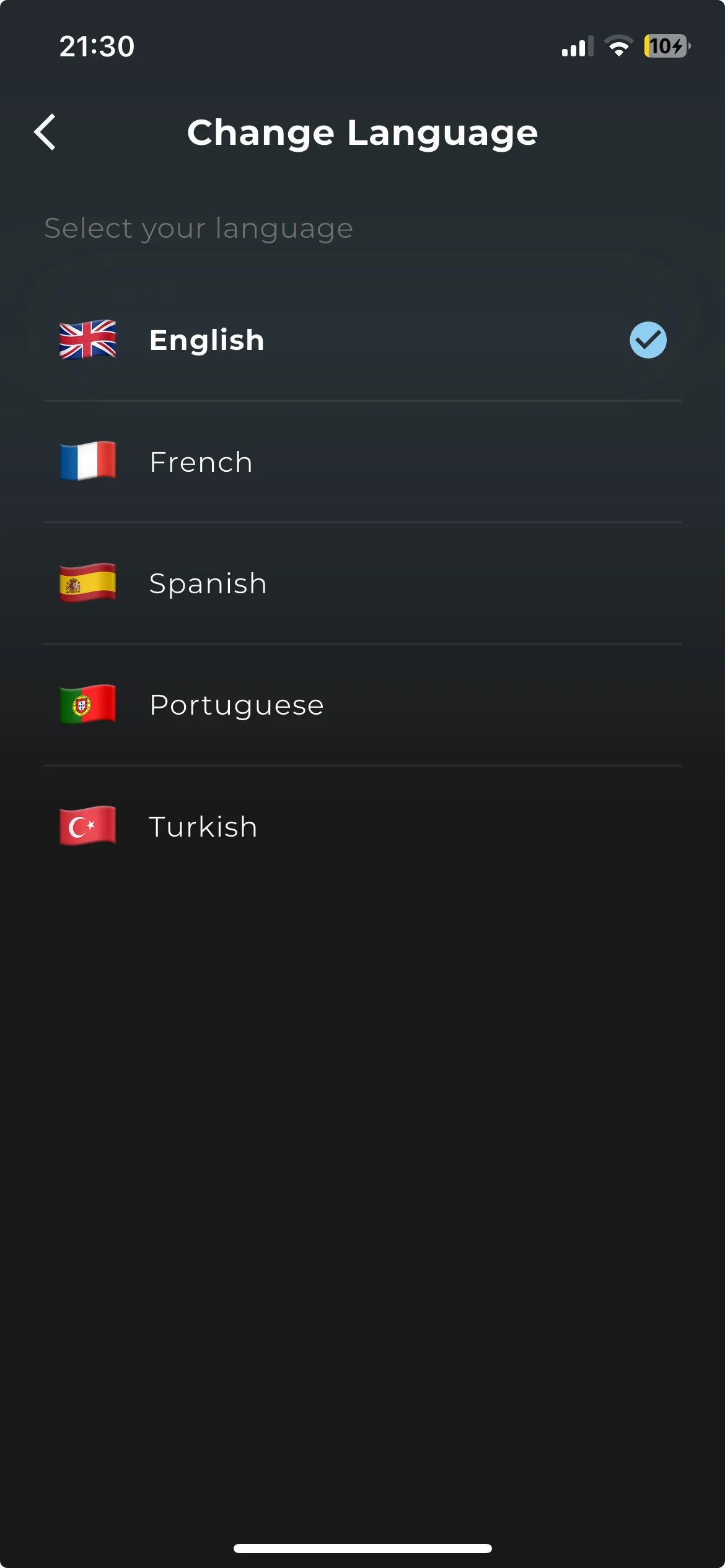
- Available in English, French, Spanish, Portuguese, German, Italian, Arabic, Dutch, Polish, Russian and Turkish
Open the app and choose your language
On first launch, pick your language, swipe through a short tour of the features, and choose whether to share anonymous usage statistics. You can change both later in Settings.
Ready to get started?
Download EDGE IPTV now and start watching in 2 minutes.
Download now – 7-day free trialAdd your Xtream Codes
The app then asks for your first playlist. Xtream Codes is the fastest option and gives the best result:
- At the top, select Xtream Codes.
- Enter the details from your IPTV provider:
- Server URL — in the form http://host:port, e.g. http://line.example.com:8080
- Username — your username
- Password — your password
- Tap Continue. The app checks the login and loads your channels, movies and series.
Enter the details exactly as provided: watch uppercase and lowercase letters, and don't copy a space at the end of a field.
Only have an M3U link? Select M3U at the top and paste it. If it ends in get.php?username=…, the app recognises an Xtream login and switches to it on its own. To add more playlists later, use "Add a playlist" in the Playlist Hub.
Enjoy your content!
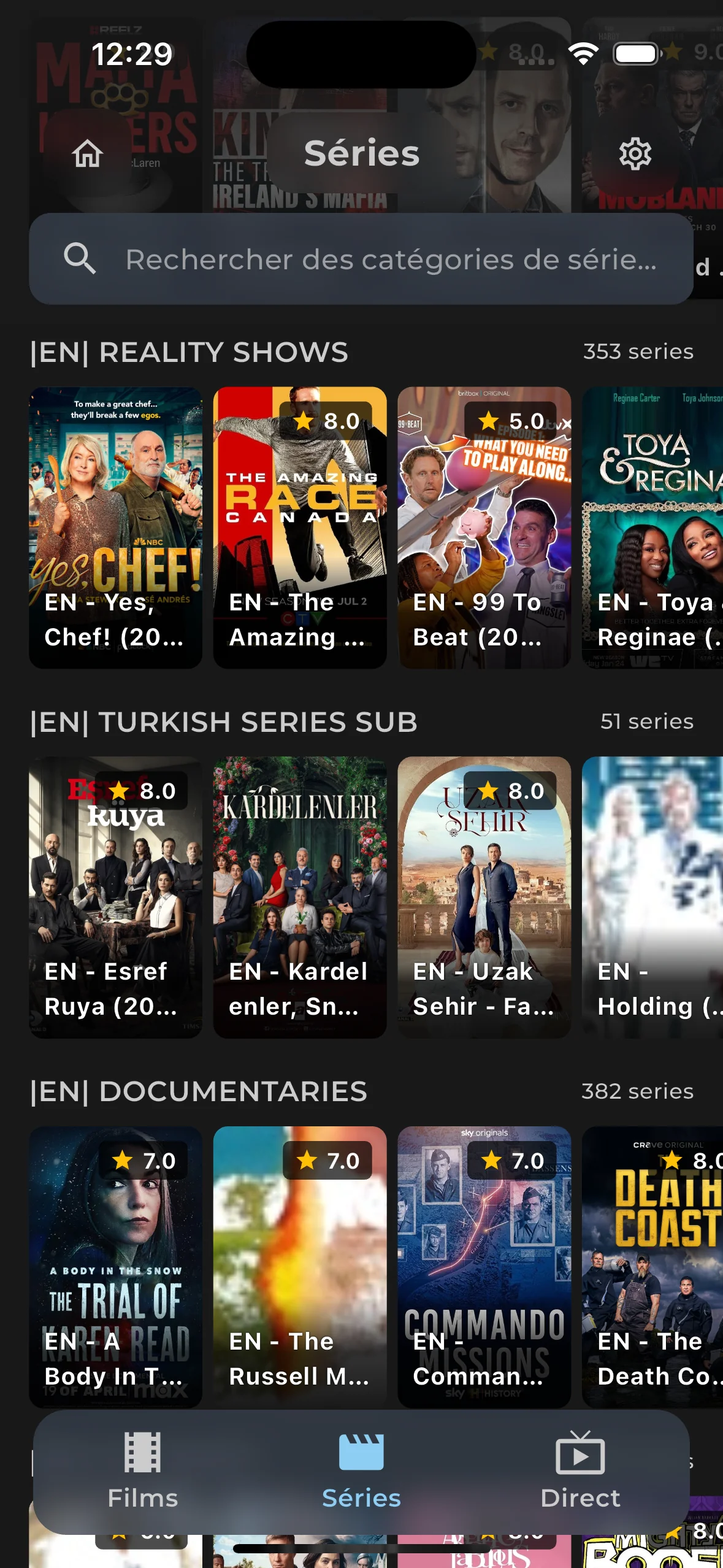
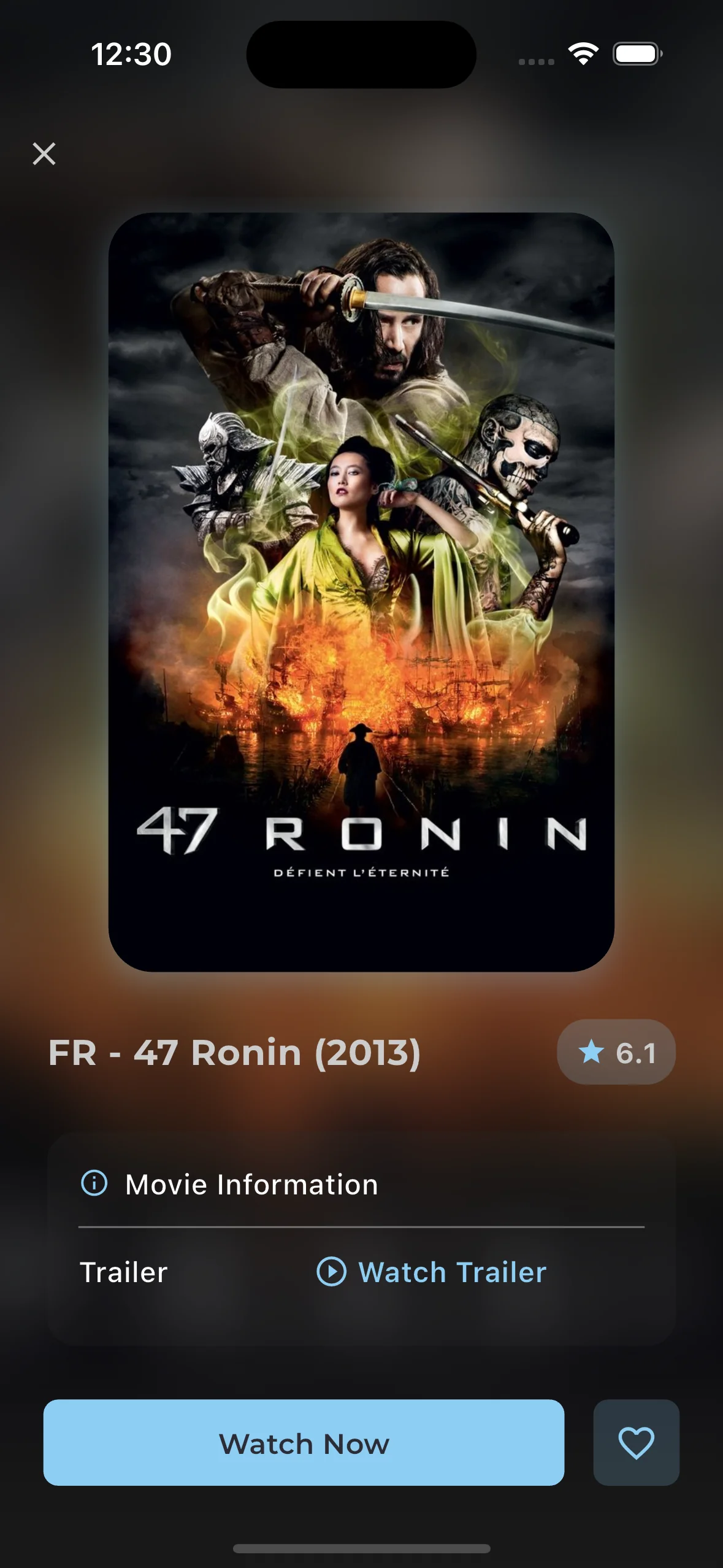
That's it. EDGE IPTV loads your channels, movies and series. Browse the categories, search, add favourites and start watching straight away.
Also on EDGE IPTV
Start watching today
Download EDGE IPTV, add your M3U or Xtream Codes playlist and start watching on iPhone and iPad. Setup takes less than 2 minutes.
Start your 7-day free trial✓ 7-day free trial ✓ M3U and Xtream Codes ✓ Chromecast and AirPlay