
What you need
- An iPhone or iPad on iOS 17 or later
- Your Xtream Codes login from your IPTV provider: server URL, username and password (EDGE IPTV is the player, it does not sell channels)
Set up Xtream Codes in under 2 minutes
- 1
Install EDGE IPTV
Free on the App Store, with a 7-day free trial.
- 2
Tap "Add a playlist", then "Xtream Codes"
Enter the server URL in the form http://host:port, then your username and password.
- 3
Tap "Add playlist"
Live channels, movies and series load with their real categories. Tap anything to watch.
Why Xtream Codes works best in EDGE IPTV
The provider's real categories
Xtream exposes live TV, movies and series separately, each with its own categories. EDGE IPTV keeps that structure instead of flattening everything into one list.
TV guide for every channel
What's on now and what's next, fetched channel by channel from your server.
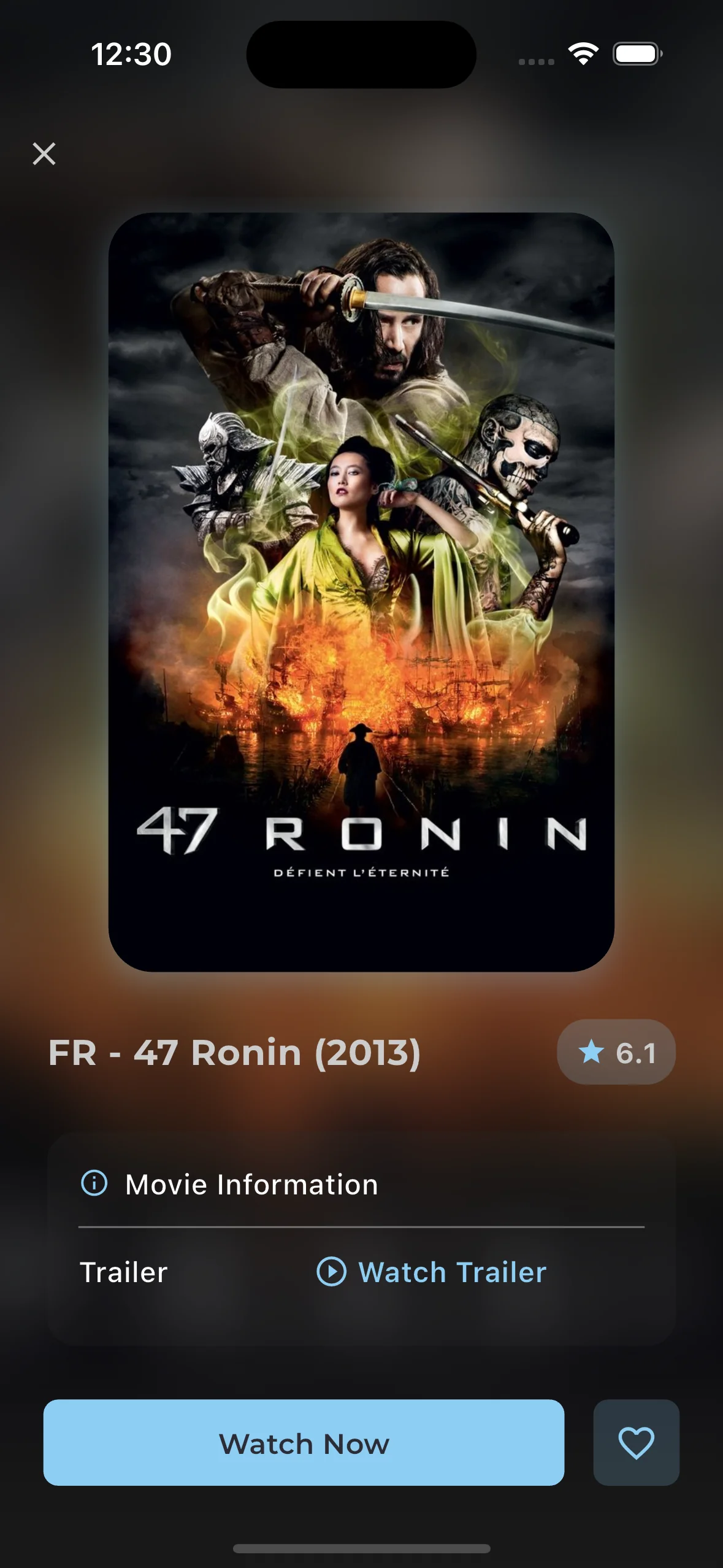
Movie and series details
Posters, seasons and episodes, plus resume where you stopped and a one-tap next episode.
Several providers in one app
Add as many Xtream or M3U playlists as you like and switch between them from the Playlist Hub.
Chromecast, AirPlay and Picture in Picture
Send a match or a film to the TV, or keep it playing in a small window over other apps.
Downloads for offline viewing
Save films and episodes over Wi-Fi and watch them on the plane or the train.
Xtream Codes or M3U: which should you use?
Most providers give you both. The M3U link is a flat list of streams; the Xtream Codes login talks to the provider's server directly, which is why it brings proper categories, a per-channel TV guide and film and series details. If you have the choice, use Xtream Codes.
Only have an M3U link ending in get.php?username=…&password=…? It is an Xtream login in disguise. Paste it as an M3U playlist and EDGE IPTV extracts the server and credentials and switches to Xtream on its own.
Free download · 7-day free trial · then $3.99/month or $19.99/year · no ads