
What you need
- An iPhone or iPad on iOS 17 or later
- The M3U or M3U8 link from your IPTV provider (EDGE IPTV is the player, it does not sell channels)
Open an M3U playlist in under 2 minutes
- 1
Install EDGE IPTV
Free on the App Store, with a 7-day free trial.
- 2
Tap "Add a playlist", then "M3U playlist"
Paste the playlist URL (.m3u or .m3u8) and give it a name.
- 3
Tap "Add playlist"
The app downloads the list, sorts it and loads the TV guide. Your channels appear right away.
What EDGE IPTV does with your M3U
Live, movies and series sorted for you
An M3U doesn't say what each line is. The app works it out from the stream path, the episode number (S01E02) and the file type, so films and series don't end up mixed with live channels.
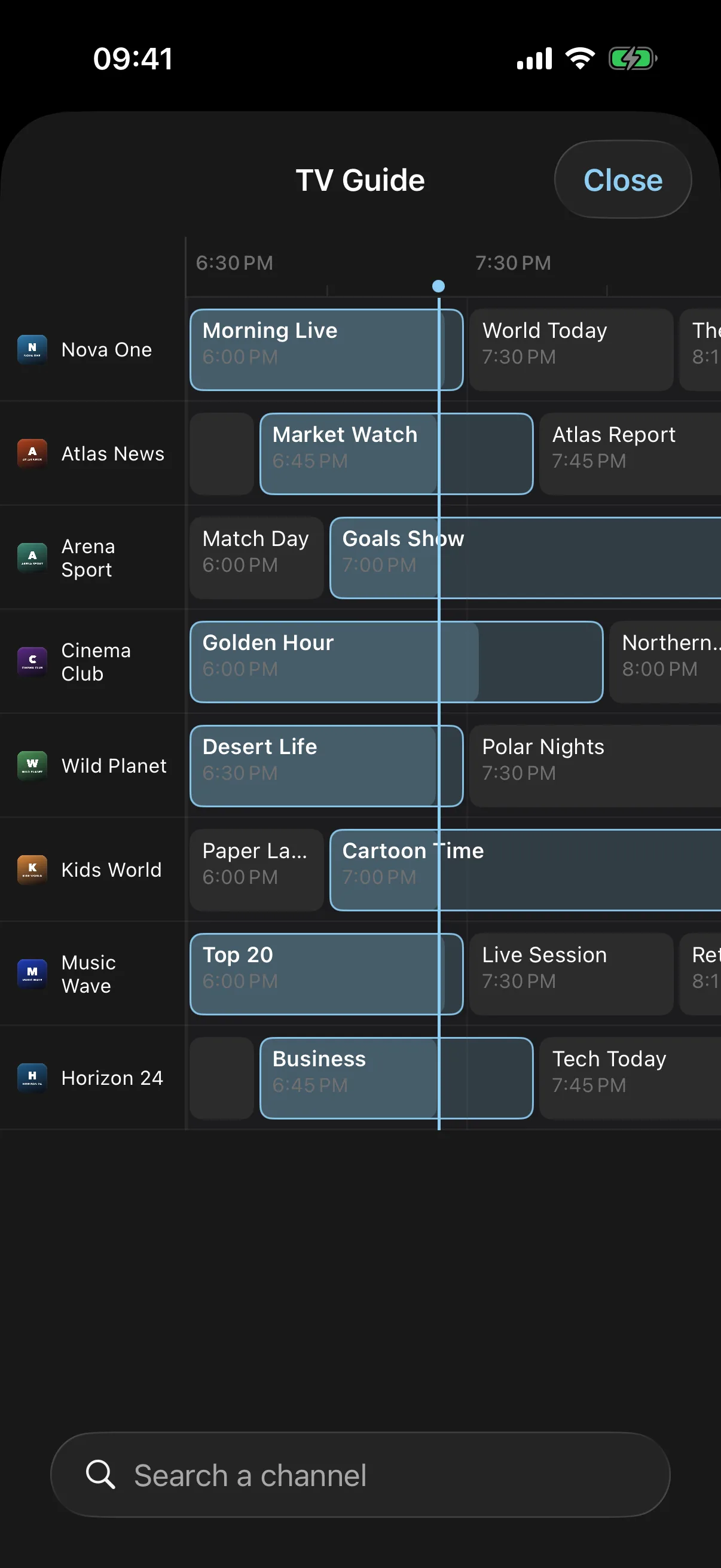
TV guide from the playlist header
If your M3U announces an XMLTV guide (url-tvg or x-tvg-url), it is loaded automatically and matched to each channel by tvg-id, or by name.
Categories and logos kept
group-title becomes your categories and tvg-logo your channel logos.
Xtream detected behind the M3U
Many M3U links are really an Xtream panel (get.php?username=…). The app spots it and switches to the full Xtream API: better categories, guide and film details.
Chromecast, AirPlay and Picture in Picture
Send any channel to the TV, or keep watching in a small window over other apps.
Search, favourites and resume
Find a channel in a second, pin the ones you watch and pick a film up where you left it.
M3U, M3U8: what is in the file?
An M3U playlist is a text file. Each entry is a #EXTINF line (name, logo, group, guide ID) followed by the address of the stream. M3U8 is the same format encoded in UTF-8, which keeps accents and non-Latin channel names intact. EDGE IPTV reads both.
Most IPTV providers give you the playlist as a link rather than a file, often ending in get.php with your username and password inside. That link is all EDGE IPTV needs: it fetches the list again every day, so new channels show up without you doing anything.
Free download · 7-day free trial · then $3.99/month or $19.99/year · no ads