
What you need
- An iPad on iPadOS 17 or later: iPad Pro (2nd gen), iPad Air (3rd gen), iPad (6th gen), iPad mini (5th gen) or newer
- An M3U link or Xtream Codes login from your IPTV provider (EDGE IPTV is the player, it does not sell channels)
Set up IPTV on your iPad in under 2 minutes
- 1
Install EDGE IPTV
Free on the App Store, with a 7-day free trial. One subscription covers your iPad and your iPhone.
- 2
Tap "Add a playlist"
Choose Xtream Codes or M3U playlist and enter what your provider gave you.
- 3
Start watching
Channels, movies and series load on their own, with the TV guide.
What the big screen changes
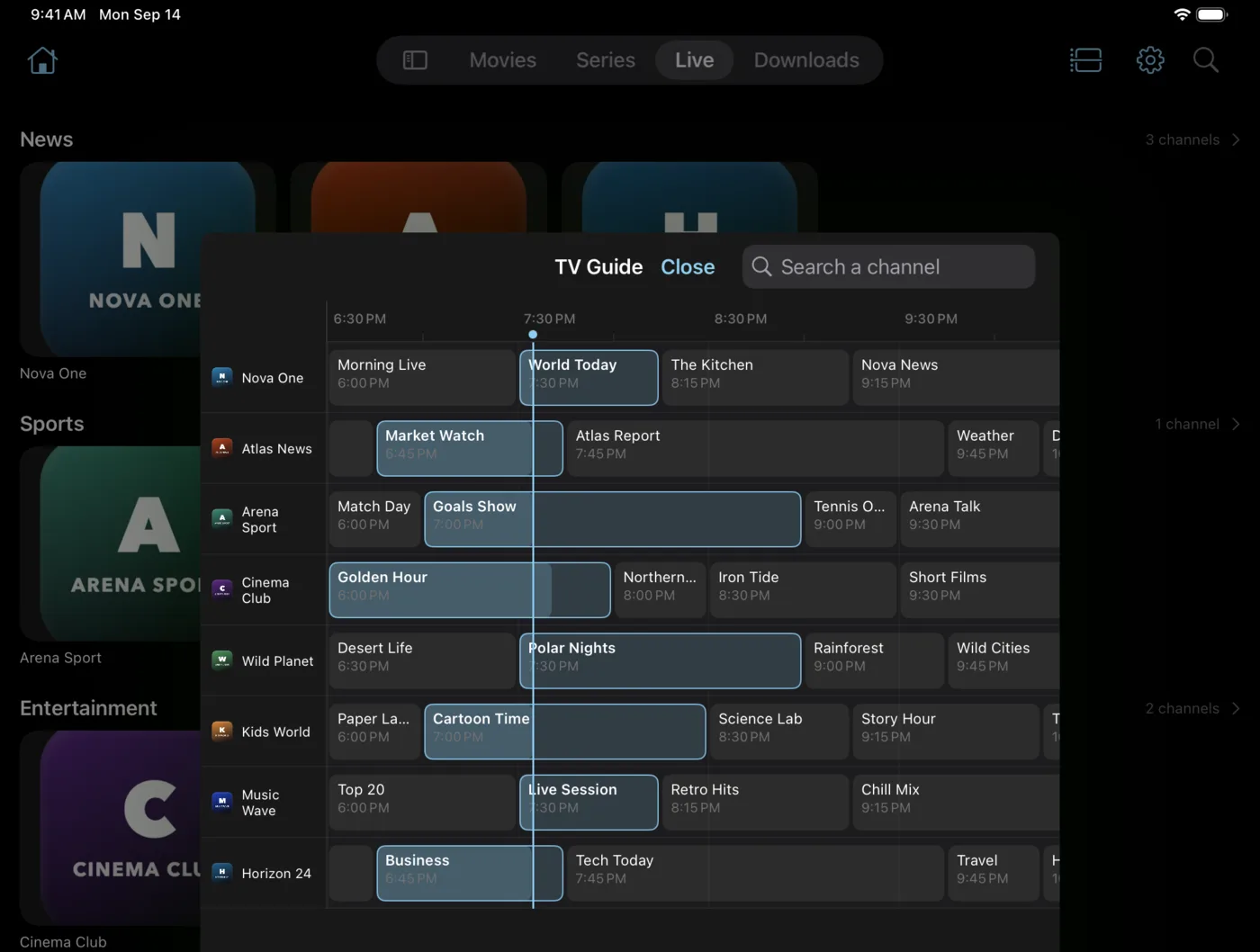
A TV guide you can actually read
Nine channels and four hours of programmes on screen at once, so you can scan the evening without scrolling channel by channel.
Posters and episodes side by side
Film posters are drawn at nearly twice the size, and a series sits next to its season and episode list instead of below it.
Split View and Slide Over
Run EDGE IPTV next to another app, in portrait or landscape, in any orientation.
Picture in Picture
Keep a match in a corner while you answer an email or look something up.
Chromecast and AirPlay
Send the stream to the TV when the iPad screen isn't enough.
Downloads for the road
Save films and episodes over Wi-Fi and watch them offline on a trip.
One app, one subscription, iPhone and iPad
EDGE IPTV is a universal app. Buy the subscription once and it unlocks the app on every iPhone and iPad signed in with the same Apple Account.
Your playlists, M3U or Xtream Codes, are set up on each device with the details from your provider. Nothing is stored on a server of ours: your credentials stay on the device.
Free download · 7-day free trial · then $3.99/month or $19.99/year · no ads