Yes, you can watch IPTV on your iPhone, and you don't need a jailbreak or a sideloaded app. All five apps in this guide are on the App Store. We tested each one for setup speed, stream quality, Chromecast support and iOS integration to find the best IPTV app for iPhone in 2026.
Quick answer
EDGE IPTV is the best IPTV app for iPhone in 2026. It's the only app in this test with Chromecast, offline downloads and a setup under 2 minutes. It's free to download, then $3.99 a month after a 7-day free trial.
What Makes a Good IPTV App for iPhone?
Not all IPTV players are built for iOS. Here's what separates a great iPhone IPTV app from the mediocre ones:
Native iOS interface
Feels at home on iPhone: smooth animations, proper tap targets, Dark Mode support.
Fast, stable streaming
Smart buffering that adapts to your connection without constant interruptions.
Chromecast / AirPlay
Cast to your TV without buying extra hardware. A feature many apps skip.
Offline downloads
Download movies and series to watch on the go, even with no internet.
Top 5 IPTV Apps for iPhone: Side-by-Side Comparison
| App | Rating | Price | Chromecast | Offline | Setup |
|---|---|---|---|---|---|
| EDGE IPTV#1 Pick | New | 7-day trial, then $3.99/mo | < 2 min | ||
| GSE Smart IPTV | ★ 4.1 | Free (IAP) | ~10 min | ||
| Flex IPTV | ★ 3.8 | Free (IAP) | ~8 min | ||
| IPTV Smarters | ★ 3.5 | Free (IAP) | ~5 min | ||
| Opus IPTV Player | ★ 3.7 | Free | ~10 min |
#1 Best IPTV App for iPhone: EDGE IPTV
EDGE IPTV
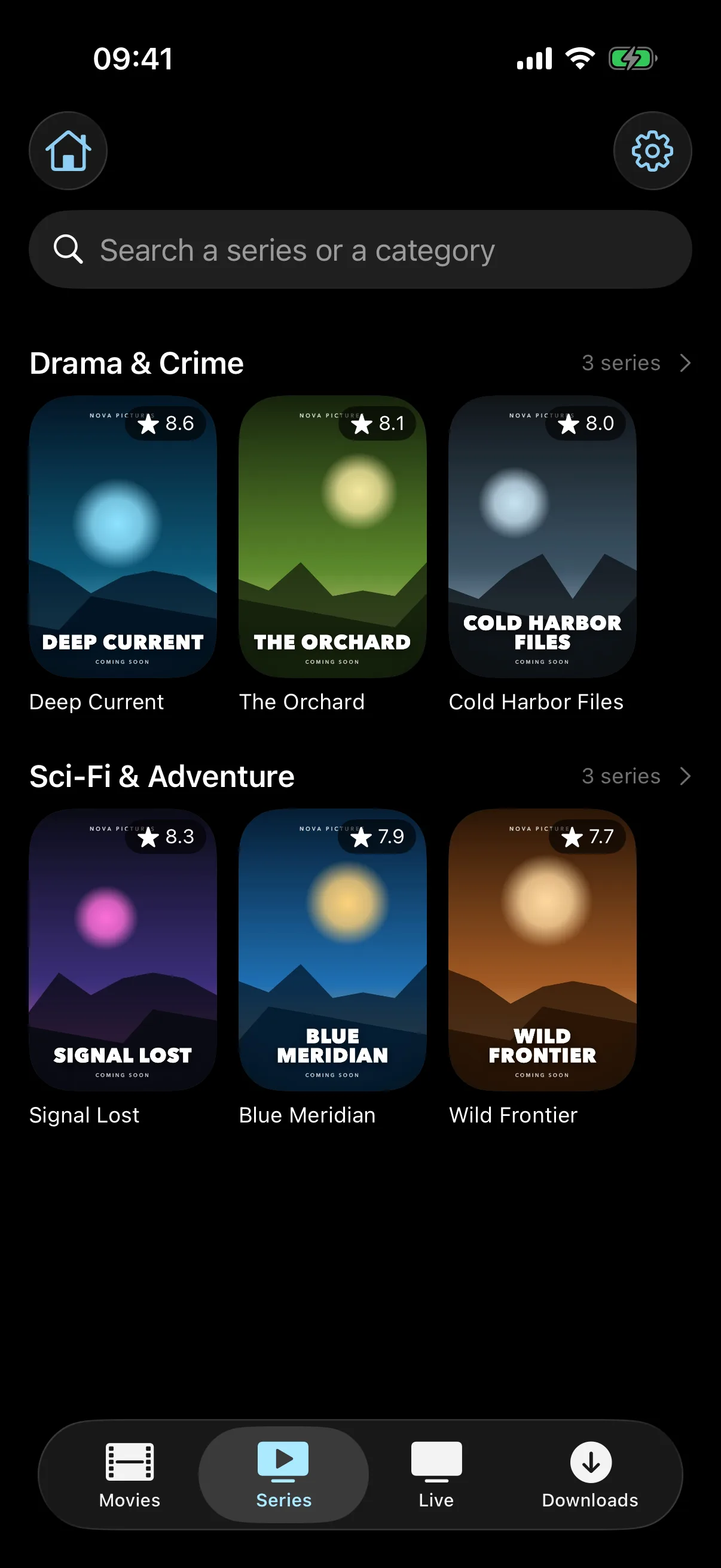
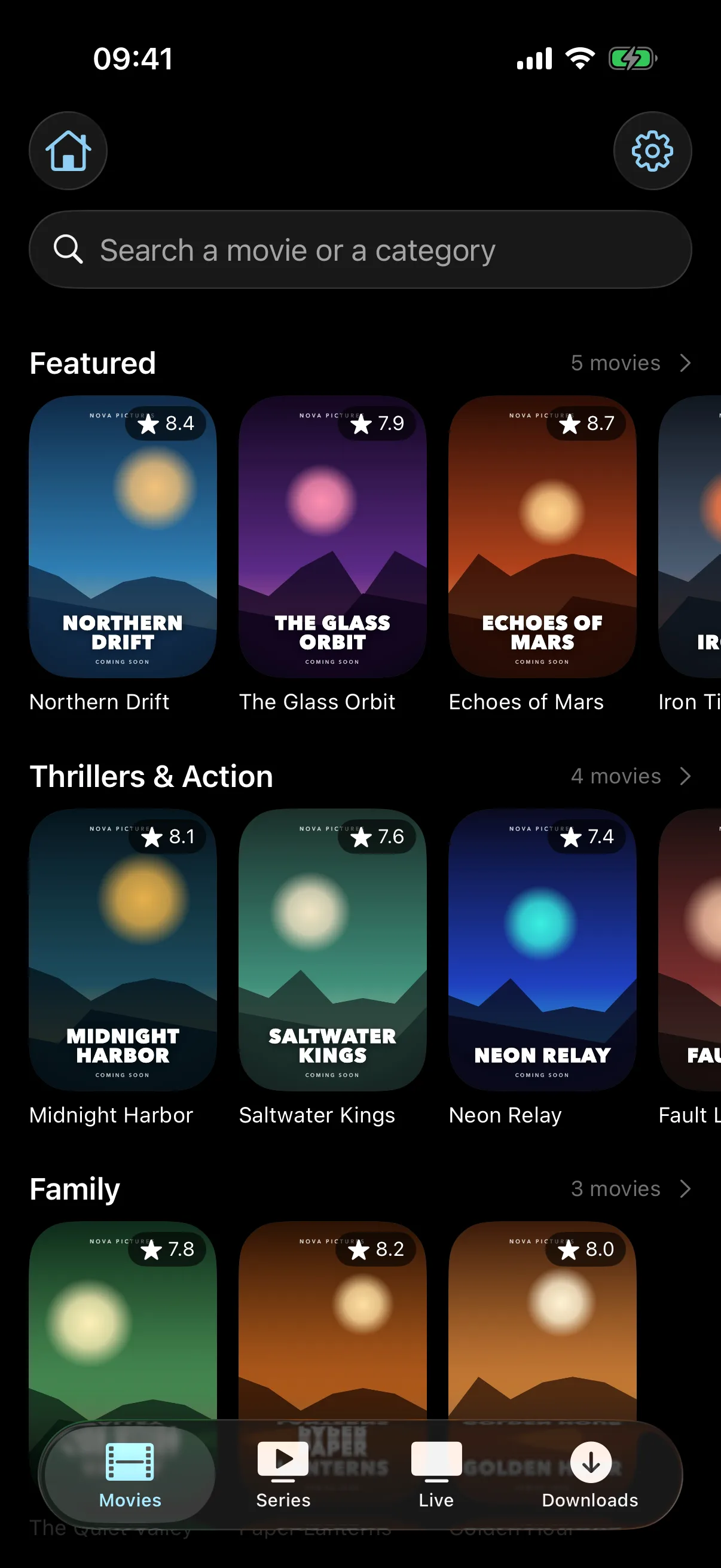
7-day free trialBuilt from the ground up for iPhone and iPad, EDGE IPTV is the only player in this test that combines Chromecast casting, offline downloads and a fully native iOS interface in one app.
Why EDGE IPTV Stands Out on iPhone
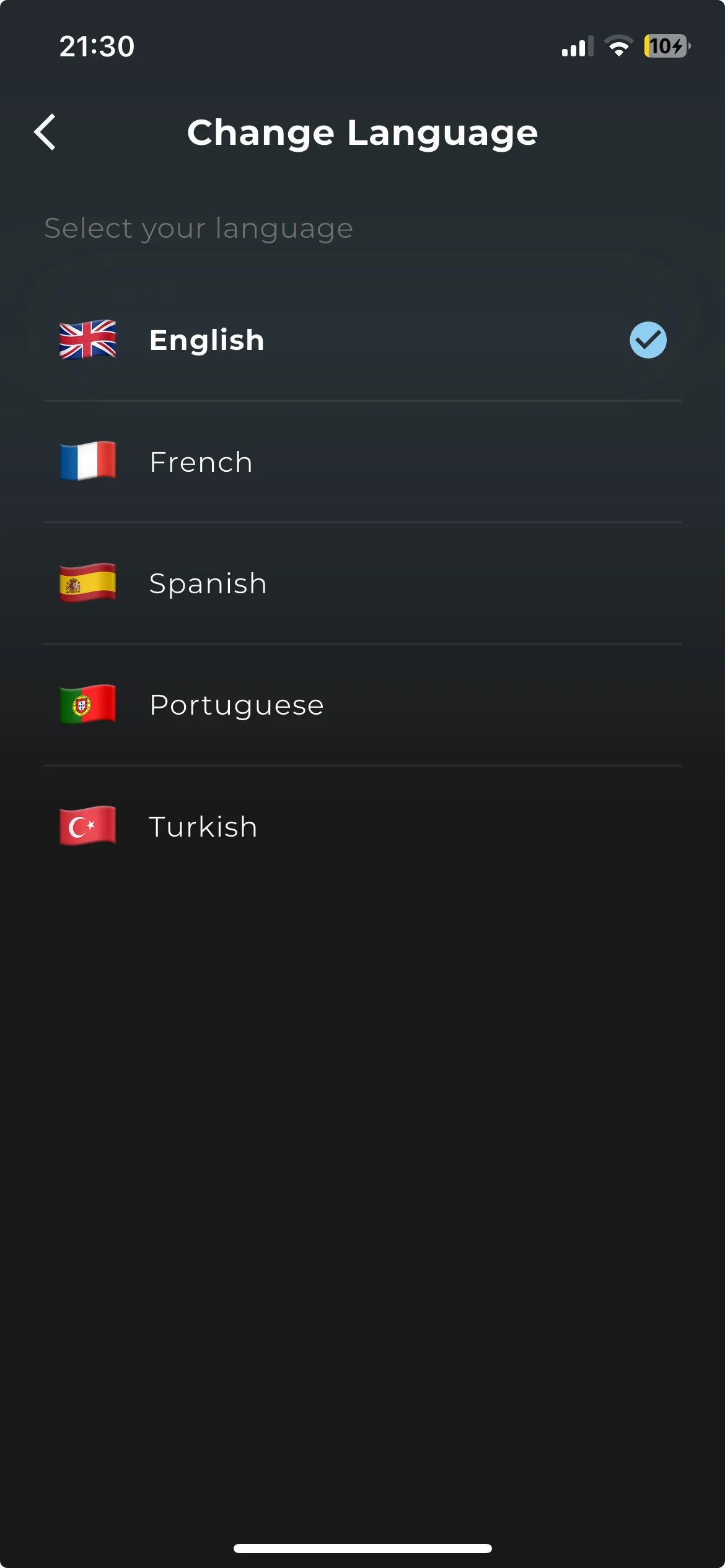
Most IPTV players for iOS are ports from Android. They work, but they feel foreign on iPhone. EDGE IPTV was designed for iOS only, and it shows in every interaction: gestures feel natural, the keyboard appears where expected, and the app follows system conventions like Dynamic Type and Dark Mode.
Chromecast support is what sets it apart here: none of the other four apps in this test can cast to a Chromecast or Google TV. Combined with offline downloads, it covers both the at-home and the on-the-go use cases iPhone owners care about most.
Other IPTV Apps for iPhone Worth Knowing
#2 — GSE Smart IPTV
Rating: ★ 4.1 · Free with in-app purchases
GSE has been around for years and has a loyal user base. It supports M3U and Xtream codes and includes a built-in EPG. Advanced features like multi-screen are locked behind an in-app purchase, and there is no Chromecast support.
#3 — Flex IPTV
Rating: ★ 3.8 · Free with in-app purchases
Flex IPTV has a clean interface and supports M3U playlists. The free tier is limited to 4 saved playlists, and the UI feels dated next to modern iOS design. AirPlay works, but Chromecast is not supported.
#4 — IPTV Smarters Pro
Rating: ★ 3.5 · Free with in-app purchases
A well-known name in the IPTV world. The iOS version lags behind its Android counterpart: setup is clunkier and the interface doesn't feel native to iPhone. It supports Xtream codes but takes several steps to configure.
#5 — Opus IPTV Player
Rating: ★ 3.7 · Free
Opus supports M3U playlists and has a reasonably modern look. It's free with no obvious paywall, but it lacks Chromecast and offline mode, and its Xtream codes support is less reliable than the competition.
How to Download an IPTV App on iPhone (2-Minute Setup)
Here's how to go from nothing to streaming in under 2 minutes with EDGE IPTV:
Download EDGE IPTV from the App Store
Tap the button below or search "EDGE IPTV" in the App Store. The download is free and includes a 7-day free trial.
Tap "Add a playlist"
Choose Xtream Codes, or M3U playlist if your provider gave you a link.
Enter your IPTV provider credentials
Paste the server URL, username and password from your IPTV service, then tap "Add playlist".
Start watching
Your channels, movies and series load automatically. Tap anything to start playing.
Need a more detailed walkthrough? See our complete guide to installing IPTV on iPhone and iPad.
Tips for the Best IPTV Experience on iPhone
Use Wi-Fi for HD streaming
For 1080p or 4K streams, use Wi-Fi. A 5 GHz network is ideal to avoid buffering.
Download before travelling
Save movies and episodes over Wi-Fi before you leave, then watch without mobile data.
Cast to your TV
Tap the cast icon in the player to send the stream to a Chromecast, Google TV or Apple TV.
Keep watching in Picture in Picture
Swipe home during playback and the video keeps playing in a small window over your other apps.
Turn on Background App Refresh
Settings → EDGE IPTV → Background App Refresh lets your catalogue update between sessions, whenever iOS allows.
Fix buffering with a VPN
If your internet provider throttles streaming traffic, a VPN can bring the speed back.
Related Guides
How to Install IPTV on iPhone & iPad
5 min read
Best IPTV Player for iOS in 2026: Complete Comparison
8 min read
Xtream Codes Setup: Complete Guide for Beginners 2026
7 min read
M3U Playlist Setup Guide: Complete Tutorial 2026
6 min read
How to Cast IPTV to Chromecast: Complete 2026 Guide
6 min read
How to Fix IPTV Buffering Issues: Complete 2026 Guide
10 min read