
What you need
- An iPhone or iPad on iOS 17 or later
- The M3U link you added to APTV, or the Xtream Codes login (server, username, password) from your IPTV provider
Move from APTV to EDGE IPTV
- 1
Find your playlist details
They are in the welcome email from your IPTV provider: an M3U link, and often an Xtream Codes login too. The M3U link is the one you pasted into APTV.
- 2
Install EDGE IPTV and tap "Add a playlist"
Choose "Xtream Codes" or "M3U playlist" and enter your details.
- 3
Tap "Add playlist"
Your channels, the TV guide, and movies and series load in a few seconds. You can keep APTV installed while you try it.
What EDGE IPTV gives you
Xtream Codes or M3U
Sign in with the server, username and password from your provider, or paste an M3U link.
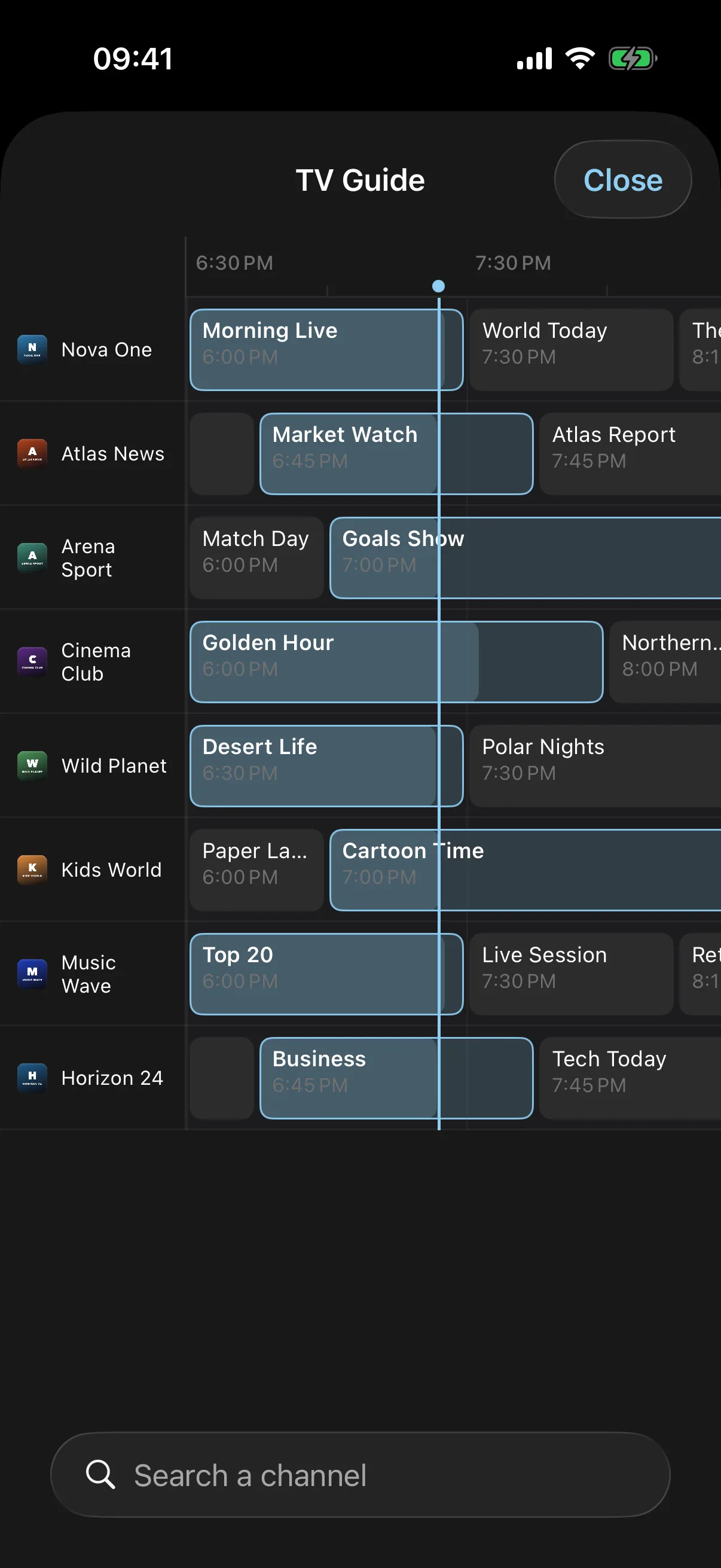
A TV guide in a grid
Channels down the side, programmes along a timeline, from your provider's guide.
Chromecast, AirPlay and Picture in Picture
Send a channel to the TV, or keep watching in a small window over other apps.
Movies and series, with downloads
Browse your provider's films and series, and download episodes to watch without a connection.
Made for iPhone and iPad
Native iOS controls, and layouts that adapt to the iPad's larger screen.
No ads
No banners or videos between channels, like APTV.
APTV and EDGE IPTV side by side
| APTV | EDGE IPTV | |
|---|---|---|
| Price | Free, APTV Pro in-app purchase $4.99 | 7-day free trial, then $3.99/month or $19.99/year |
| Advertising | No | No |
| App Store privacy label | Data Not Collected | Data not linked to you (analytics, diagnostics, purchases) |
| Devices | iPhone, iPad, Mac, Apple TV, Apple Watch, Apple Vision Pro | iPhone and iPad (AirPlay to an Apple TV) |
| Xtream Codes login | Not mentioned in the listing (M3U playlists) | Yes |
| Casting | AirPlay, DLNA | AirPlay, Chromecast |
| Catch-up TV | Listed in the description | No |
| Minimum system | iOS 15 | iOS 17 |
Taken from the US App Store listing of APTV (Suzhou Xiying Guangnian Technology) on 23 November 2026. APTV is cheaper, collects no data according to its label, and runs on Apple TV and Mac: if that matters most to you, it is the better fit.
Which APTV is which?
The APTV player is published on the App Store by Suzhou Xiying Guangnian Technology Co., Ltd, and its US description is written in Chinese. Other apps use the name too, such as car display apps from other developers. Check the developer on the App Store page to know which one you have.
APTV is a player, like EDGE IPTV: your channels come from your IPTV provider, through an M3U link. That is why switching takes two minutes. The same link works in any player, and EDGE IPTV also accepts the Xtream Codes login many providers send with it.
Free download · 7-day free trial · then $3.99/month or $19.99/year · no ads